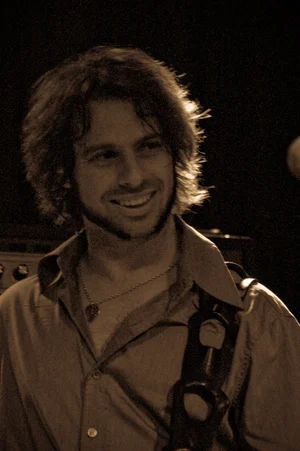
So here’s something I’ve learned recently from ‘friend of Perth Open Mic’ Alan Gill. He said never to post a photo online without editing it first. It’s the new standard on social media and marketing. Since I’ve made this change, I’ve even had people ask if I got a new camera. You may not be aware of it, but most graphics you’re seeing online, have been edited. So now it’s a situation whereupon content that isn’t ‘cleaned up’ looks a bit daft.
But it’s not as tricky or time consuming as you might think. I’ve got a Samsung phone. A model which was released four years ago. The results are good… not new iPhone good, but definitely better than what I was doing before.
So here are the steps I’ve been trying out and enjoying.
Put it on ‘Portrait’ mode. It makes the background kind of blurry.
Get up close. Like, ‘wow you’re close’ kind of close. Zooming makes your photo grainy and frankly, unusable.
Take lots of pics. When you photograph someone singing, their facial expressions change and in my experience, almost all the photos make the person look silly. People move too, so many pics are blurry. Also the lighting changes regularly at a gig, so you might get a great facial expression but shitty green hue.
Then go through and delete all the crap ones. Be brutal. You only need one good shot.
Time to edit. Select the focus point and set blur to maximum.
Go through the filter presets and choose one that works for you. My phone has an ‘auto’ function and 90% of the time I use that. There are some other filters hidden in a different menu on my phone, but most of them are pretty extreme. But each phone is different, so have a crack.
Then crop the pic using the 2/3rds principle. (Look it up).
Have fun. I’ve really enjoyed this new skill. Just make sure you start with deleting the bad pics. My phone is full of stuff I need to delete.
Here are a couple of samples from last week’s Kewdale open mic.
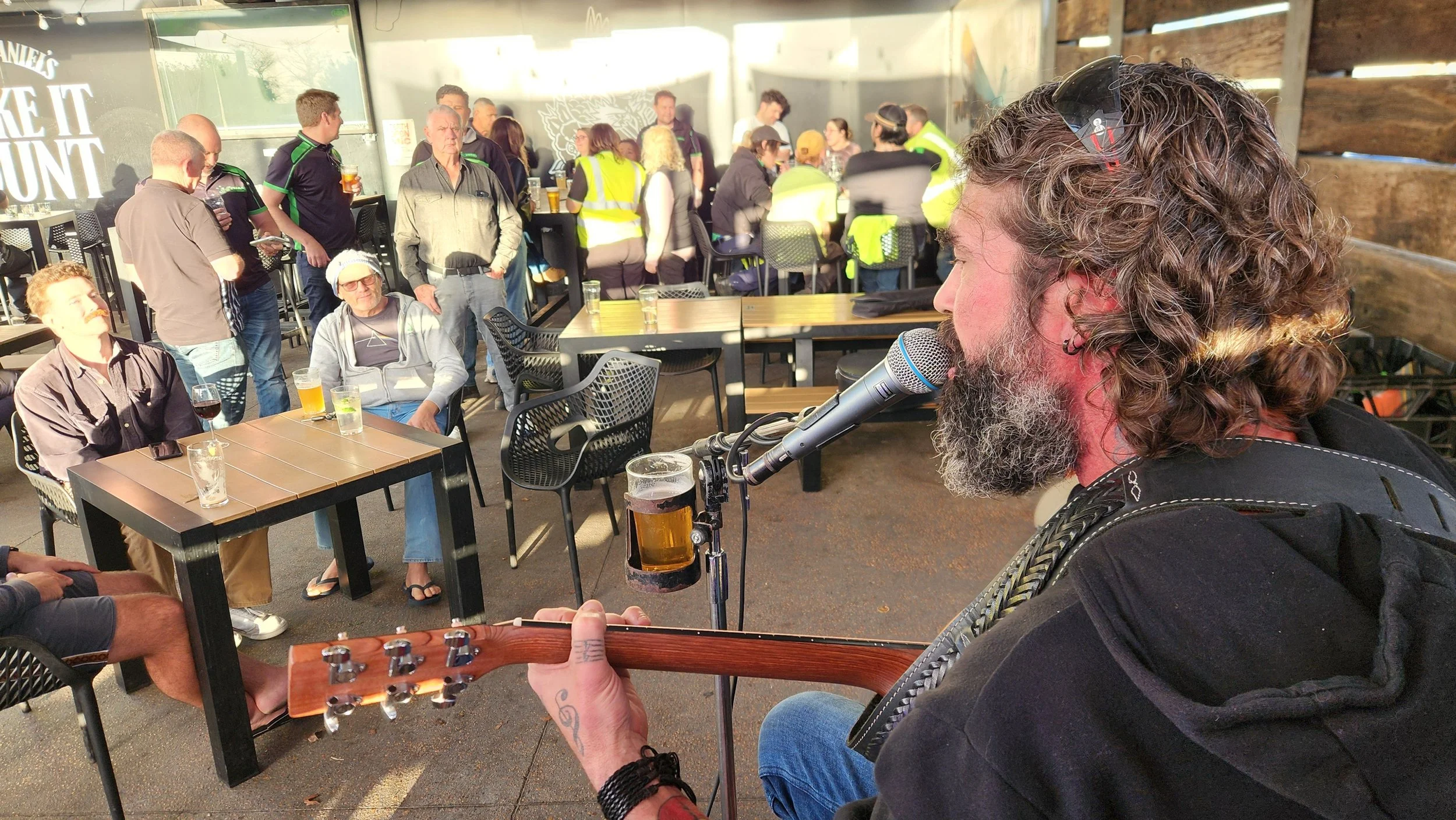
This is the original pic
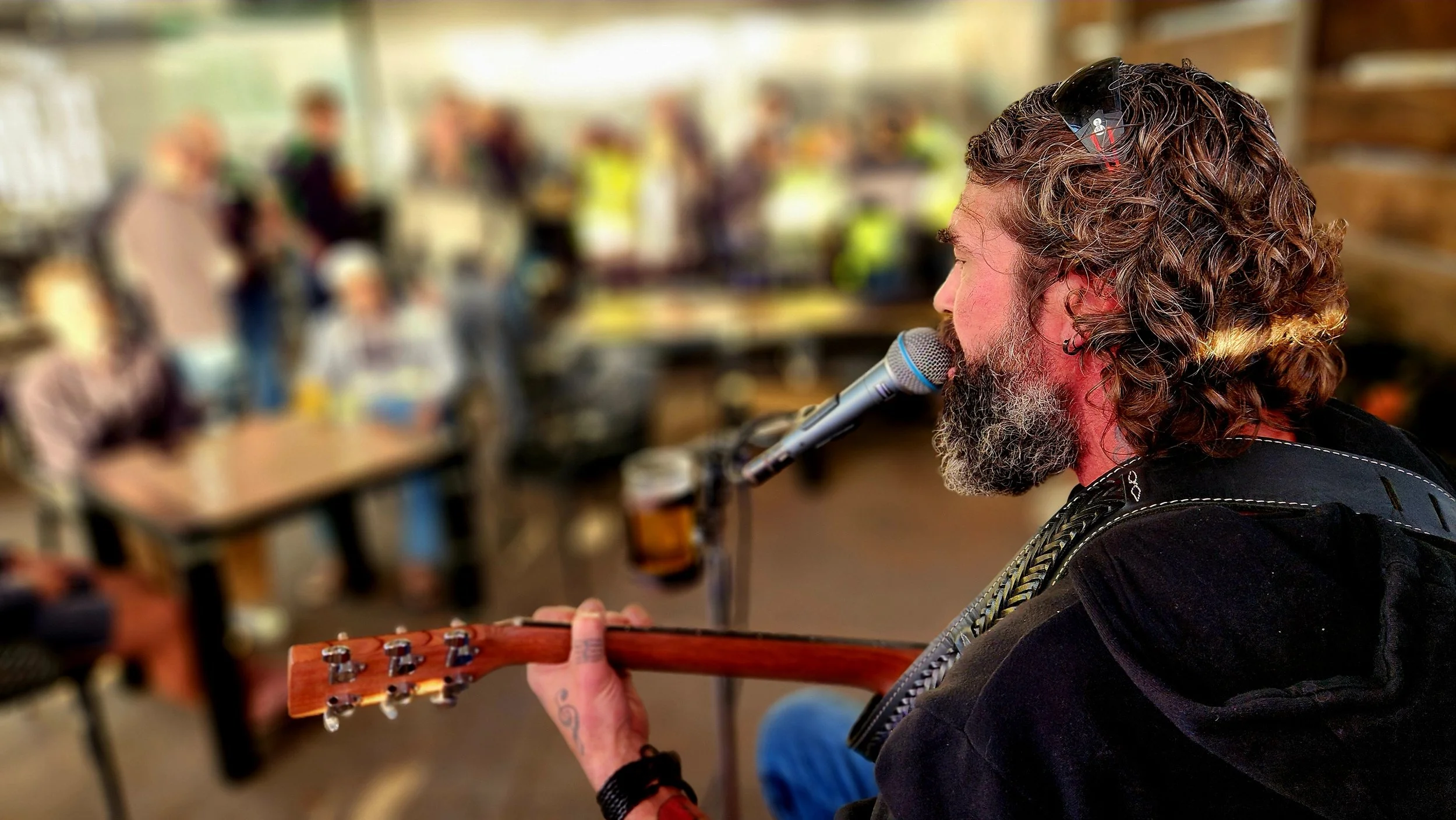
After blurring and filtering
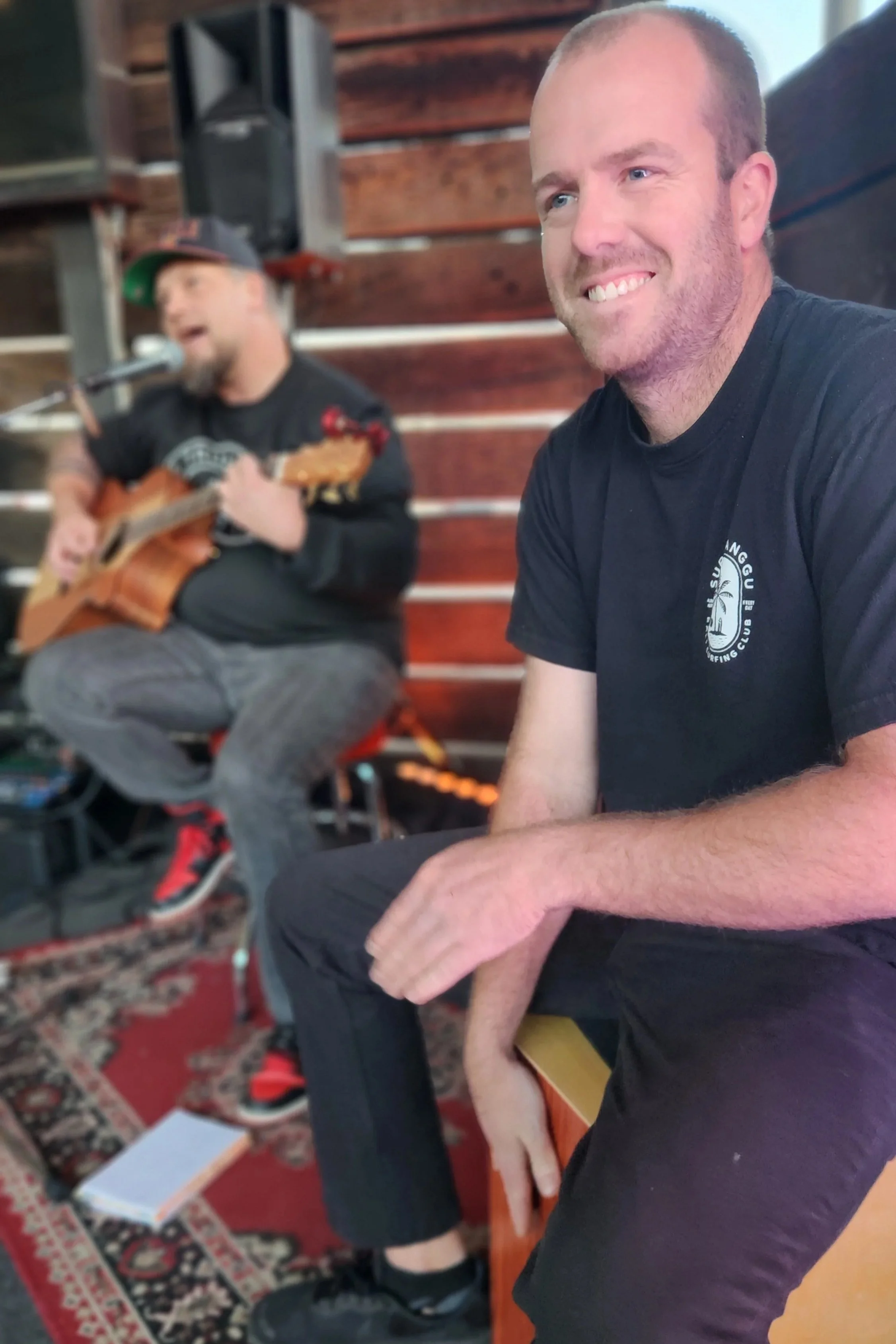
Just a nice pic of the boys.